Smart format routing
The web-perf preset converts JPEG to WebP and routes each PNG to WebP (opaque) or AVIF (transparent). One config line, the right decision per file.
A Node.js CLI for images, CSS, JS, and SVG. Smart format routing, incremental cache, one command. No upload, no account, no SaaS.
$ assetopt optimize ./public

Loading config from .assetoptrc … preset: web-perf
Found 47 assets (images, css, js, svg)

  ✓ hero.jpg          4.2 MB  →  1.7 MB  -59.5%
  ✓ portrait.png      3.8 MB  →  540 KB  -86.1%  (smart-routed → webp)
  ✓ logo.png          1.4 MB  →  260 KB  -81.9%  (smart-routed → avif)
  ✓ styles.css        3.3 KB  →  1.5 KB  -54.0%
  ✓ app.js            2.8 KB  →  810 B   -71.7%

Total: 12.4 MB → 2.9 MB (-77%)  — in 3.8s
Why assetopt
Four things assetopt does that one-off compression tools don't.
The web-perf preset converts JPEG to WebP and routes each PNG to WebP (opaque) or AVIF (transparent). One config line, the right decision per file.
A sha256 manifest tracks every source and its config. Re-running optimize skips unchanged files. First run is slow, every run after is near-instant.
Images, CSS, JS, and SVG in the same pass — sharp, lightningcss, esbuild, svgo wired together so you don't glue four tools yourself.
No upload, no account, no SaaS, no telemetry. Your assets stay on your machine. The CLI is MIT and feature-complete on its own.
Quickstart
From zero to optimized assets in under a minute. Already have a build pipeline? Drop the optimize step into your CI and skip step 1.
Generate a default .assetoptrc at the root of your project.
Dry-run: see potential savings without writing anything to disk.
Write optimized assets to ./optimized/. Originals are untouched.
What you get
Every figure below comes from running assetopt on the downloadable sample pack with the
web-perf
preset. Drag each slider — same pixels, far fewer bytes. The
smart routing layer splits PNGs by transparency.
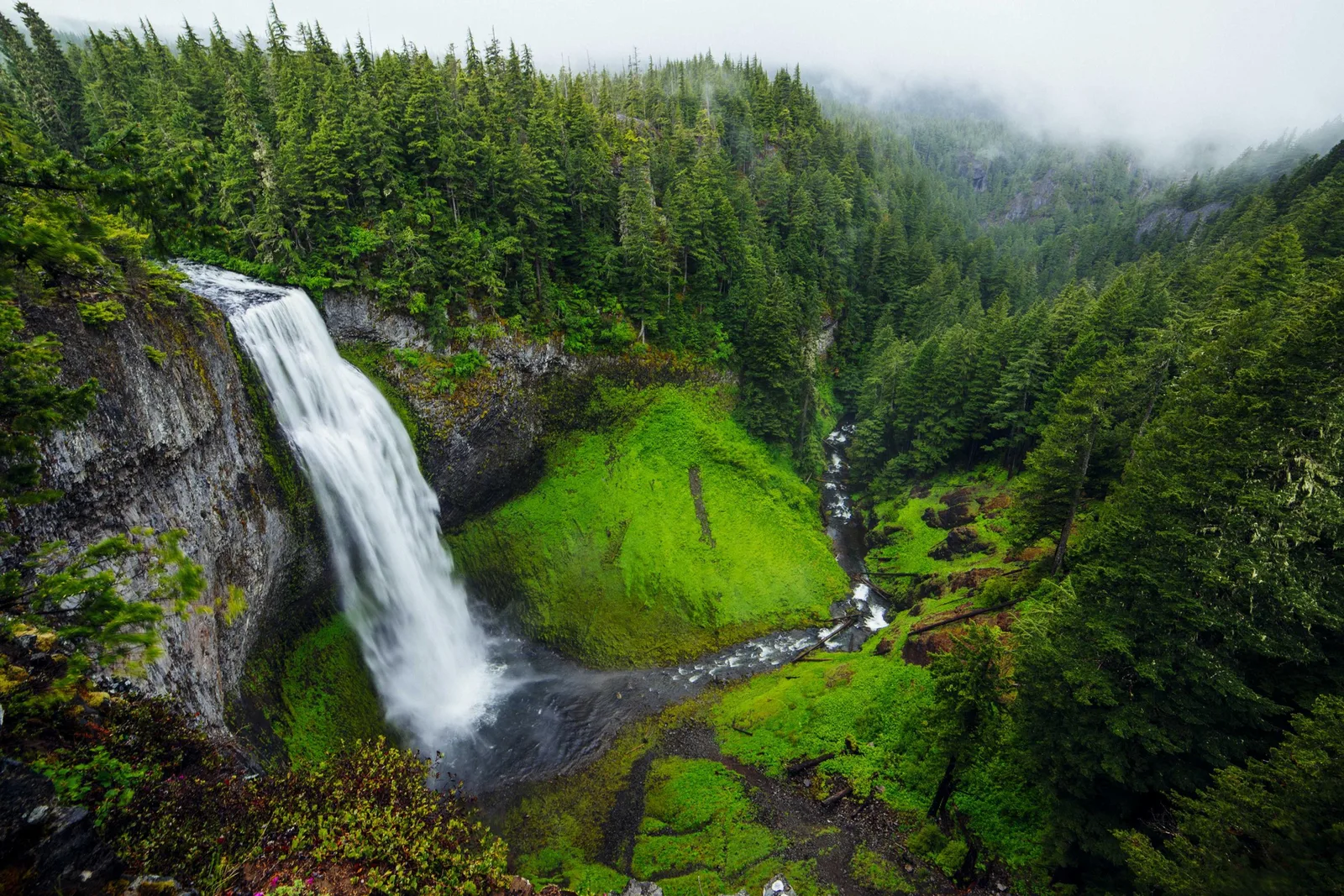 Original · 5.2 MB
An opaque PNG — smart-routed to WebP, which beats AVIF on this content.
Photo via Lorem Picsum / Unsplash
 Original · 56 KB
A logo PNG with alpha — smart-routed to AVIF, which keeps transparency at a far smaller size.
Designed for this pack · CC0
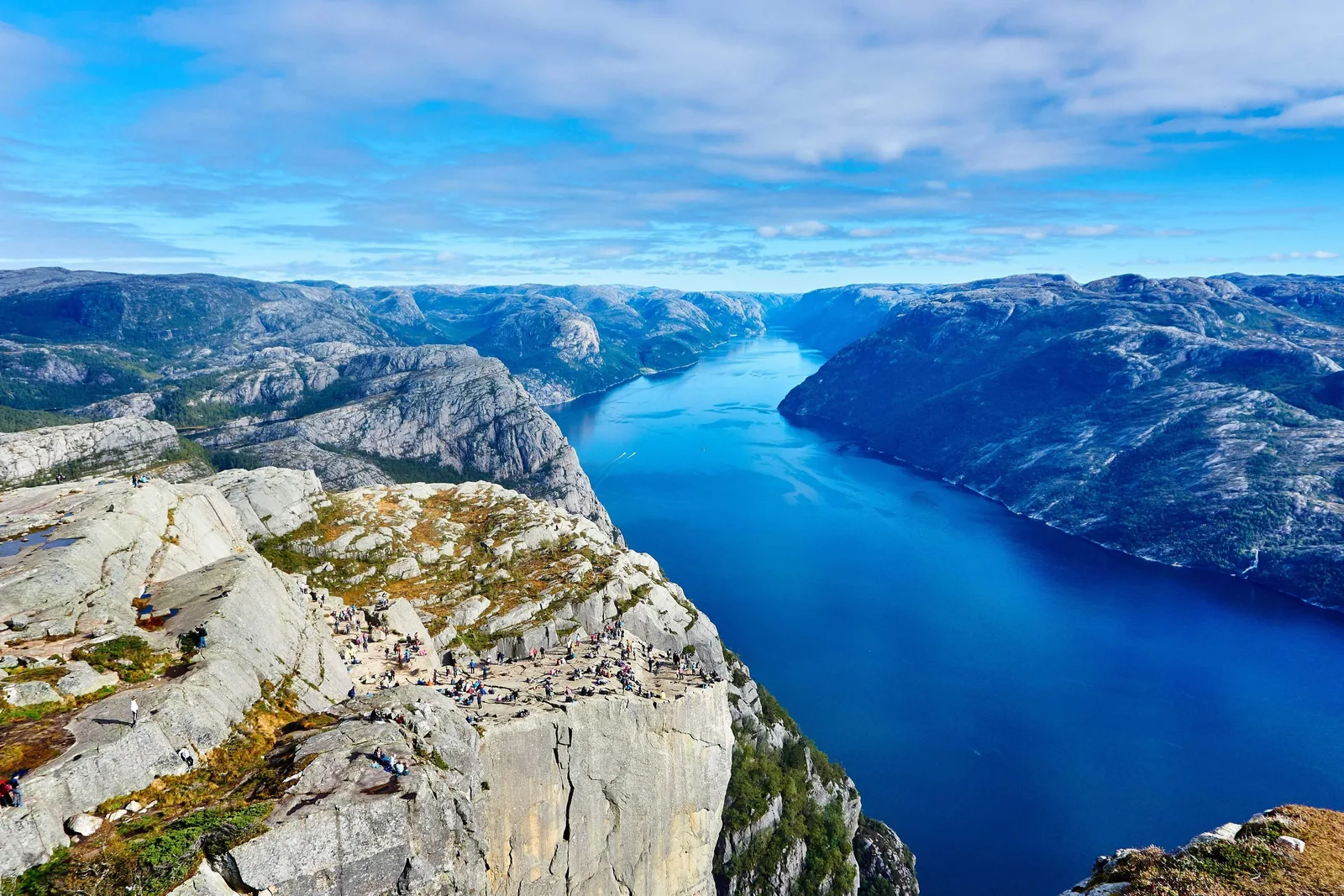 Original · 1.7 MB
A heavy photo export. The web-perf preset converts it to WebP at matched quality.
Photo via Lorem Picsum / Unsplash
Try it yourself
Download the exact pack these figures come from. It ships with the
.assetoptrc
used above — run two commands and you'll land on the same
−65.3%. Nothing is uploaded; everything runs on your machine.
Photos, PNGs, an SVG, CSS and JS — plus the config. 7.8 MB zip.
Unzip and step in
See the savings (writes nothing)
Optimize for real (→ ./optimized)
No global install needed — npx fetches the CLI on first run. Your originals are never touched; results land in ./optimized.
Workflows
Pick the one that matches your project — each has its own guide and its own safe-default configuration.
You have a build (Vite, Next, Astro…) producing a dist/ folder. Optimize the bundle as a CI step before deploy.
You write HTML by hand and reference images by their literal filenames.
Use formatMatrix: "keep" — the web-perf preset would rewrite extensions and break your <img> tags.
You receive raw assets from a designer or client, optimize them, then write the markup yourself.
FAQ
Three of the most common ones below. The full FAQ covers integration edge cases.